Attribute Editor
Version 3.0Attribute Table Interface
Attribute Editor
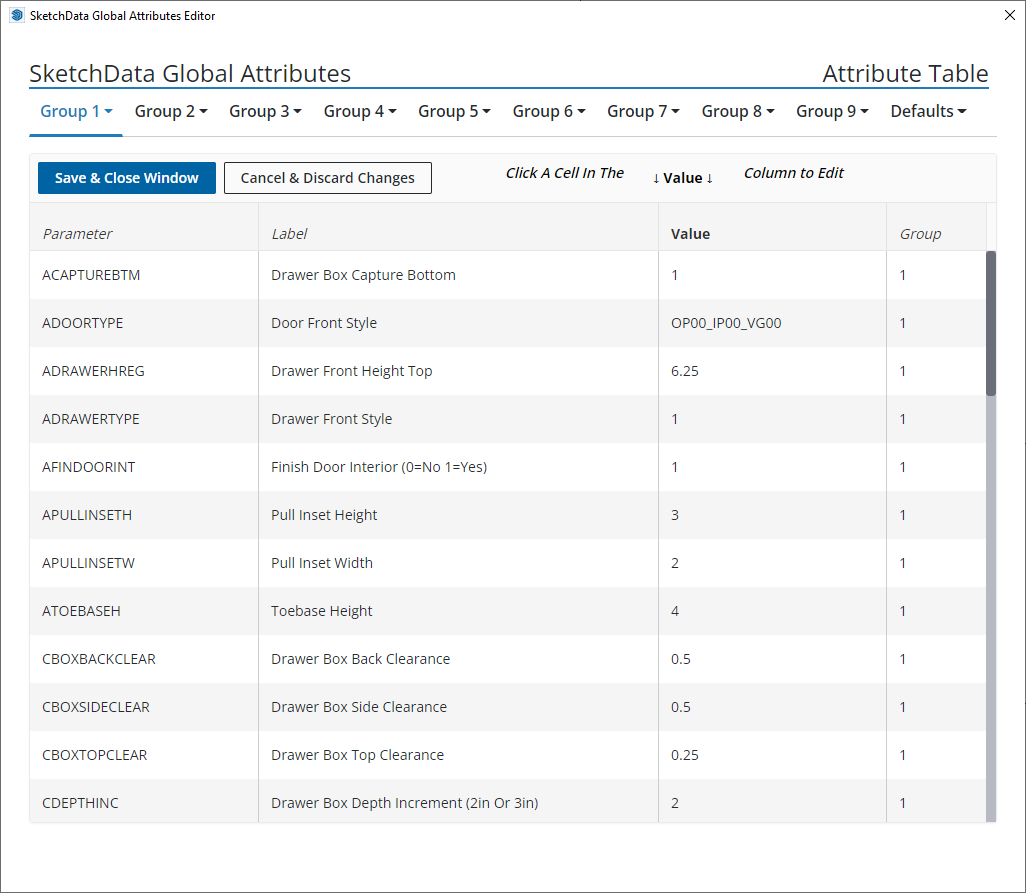
Group attribute values can be edited manually using the attribute editor. The attribute editor is a table style editor accessed by clicking a group tag and selecting attribute editor.
While a group editor is open the current changed values are denoted with a black triangular indicator in the lower corner of the modified field. The indicator is reset when another group configuration page is opened. Altered values are saved and will be applied upon saving changes in the open global attributes editor window.
Warning!: Invalid values may break SketchData dynamic catalog components functionality, proceed at your own risk.