Pull Selector
Version 3.0Pull Selector Global Attributes Interface
Pull Selector
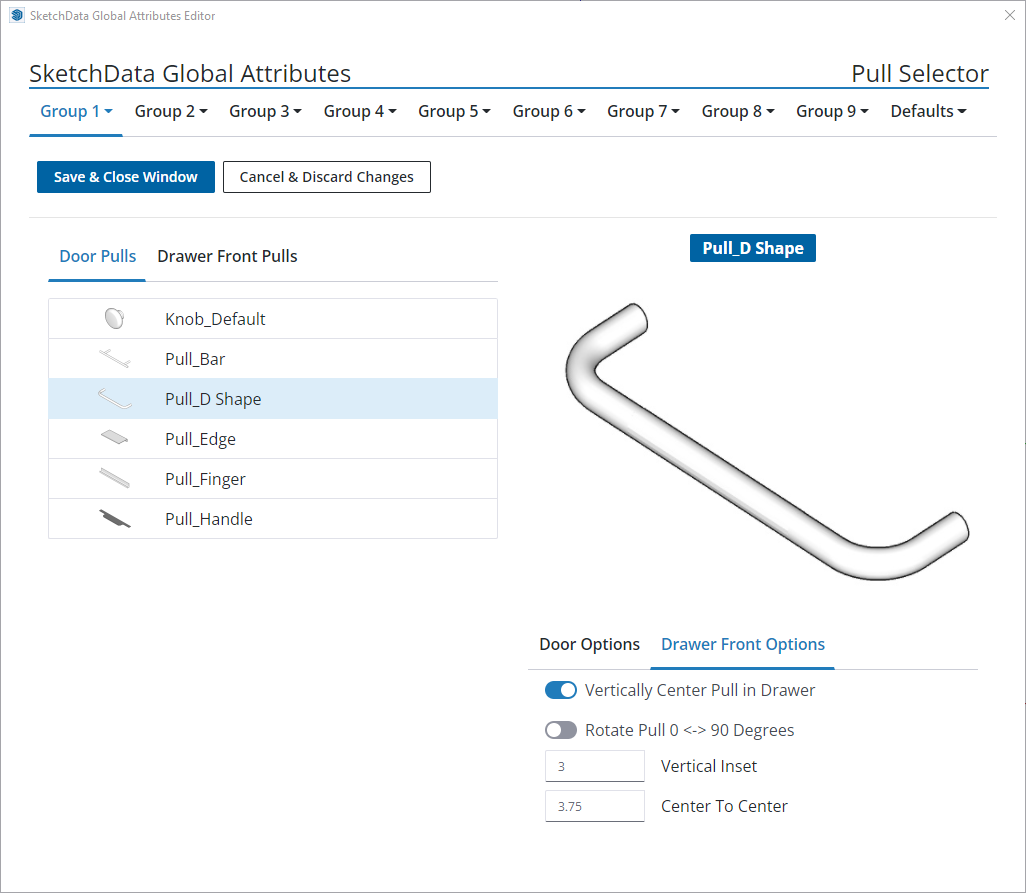
Door & drawer pulls with associated configuration values can be set per group. To set the pull style and configuration for a group click the group tab & select pull selector. Use the "door pulls" and "drawer front pulls" tabs then select a pull from the list.
Door and drawer front pull options are set by selecting the appropriate group at the bottom right of the window and setting the desired option per door or drawer type. Some options may not apply to particular pulls, for example an edge pull does not have center to center spacing and that setting has no effect. Pull color / material can be set in the material picker.
To disable pulls in a model select a standard face mounted pull and turn off the pulls tag.