Introduction to Reporting Extension
Version 1.0Reporting Extension
Access the SketchData Reporting Tools dialog from either the drop down Menu or the Toolbar
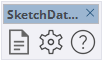
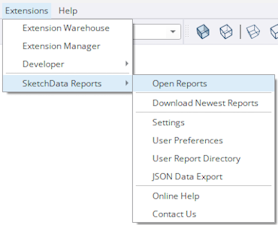
The reporting dialog will still open in Demo mode, but none of the default SketchData reports will be available. Users in TRIAL MODE or with PAID subscriptions will see all available reports.
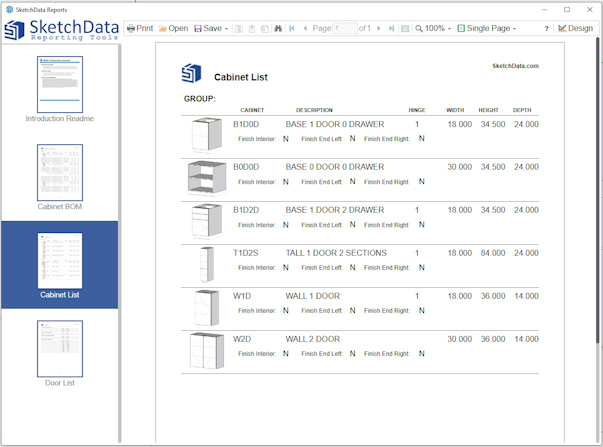
Report Viewer
The REPORT VIEWER will display a complete list of the SketchData reports and any custom reports developed by the User.
Report Designer
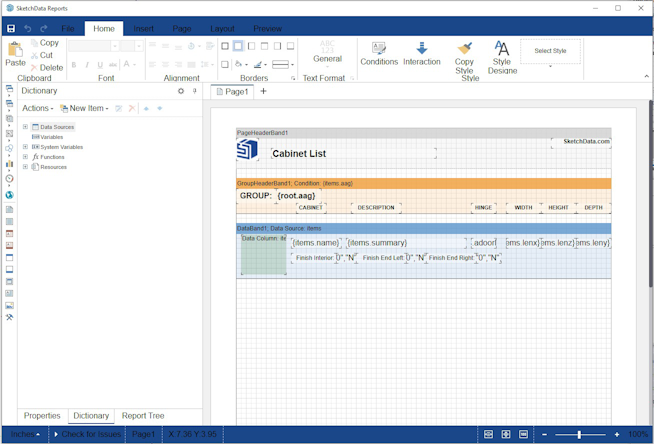
The REPORT DESIGNER will allows the user to modify existing reports or create new reports of their own.
Activating TRIAL or PAID extension with API key
Select a subscription inside your SketchData account and then Create API key
Menu Options
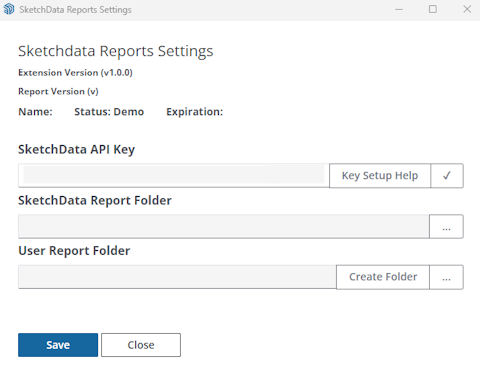
Menu - Settings
This dialog window allows users to enter an API key, and displays folder locations for both SketchData and user custom report files.
The report definitions are JSON files with a ".mrt" extension.
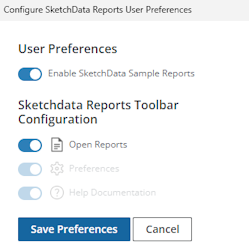
Menu - User Preferences
This option allows the user to customize toolbar and other features of the extension.
Menu - User Report Directory
This menu option will open the folder location of user created reports if folder is existing.
Menu - JSON Data Export
This option will export the datasets used by the SketchData reports to JSON files into a directory folder selected by the user.
Report Designer resources
Stimulsoft sample reports