Global Attributes Editor
Version 3.5.8Global Attributes Interface
The SketchData global attributes editor is divided into 9 style groups and a default group. Each group dropdown has a list of menu items specific to that group that affect the properties of SketchData dynamic catalog components belonging to that group. The default group sets the baseline attribute properties for a new drawing that does not alreasy have SketchData attribute properties assigned.
When the global attributes editor is opened from a drawing without SketchData attribute properties groupes 1 through 9 will ne populated with values set in the default group. Default group properties are stored as a user preference and persist between open sessions of Sketchup.
If you wish to store different default properties unique to groups 1 through 9 it is recommended to create a drawing template with preferred SketchData attribute properties set for groups 1 through 9 to avoid the default group settings being written to the numbered style groups when the global attributes editor is first opened in a new drawing.
Group Edits
To alter the appearance and configuration of a cabinet group cick the desired group from the horizontal list at the top of the global attributes editor and select a configuration from the submenu. The currently selected group editor will be underlined and colored uniquely from unselected groups.
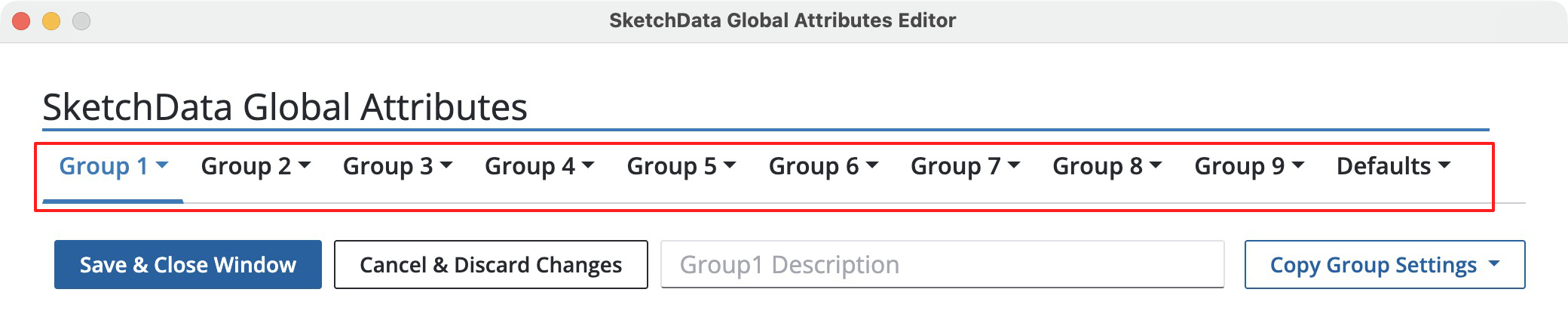
Available configurators:
- Door Selector
- Drawer Selector
- Material Picker
- Pull Selector
- Construction Standards
- Attribute Table Editor
All changes made in the global attributes editor can be discarded or saved whilte the editor windows is open. Feel free to make a door edit to group 1 and material change on group 3, all changes will be applied when the "Save & Close Window" button is clicked. To cancel changes click "Cancel & Discard Changes" or close the editor window. Click the "Save & Close Window" button to save all changes and dynamically redraw the affected catalog components in the open drawing.
Group Description
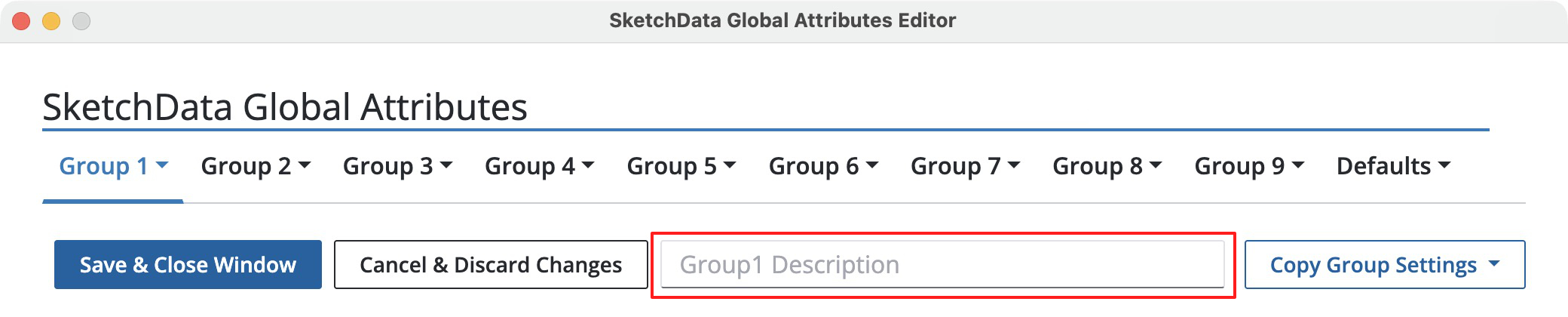
Group descriptions can be set for display purposes in reports, catalog component options and context menus. Type the description for the group number in the box while editing a group's settings to change from the default "Group[1-9]" description.
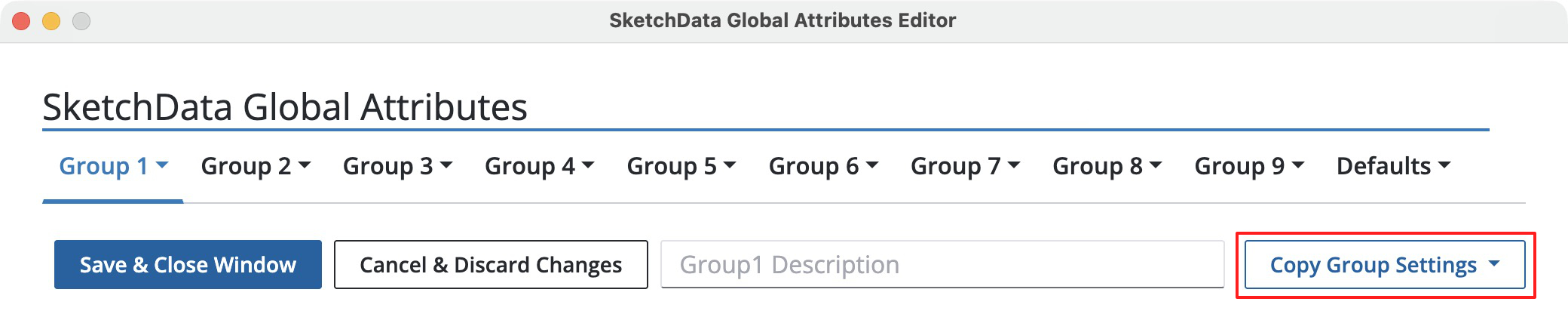
Copy Group Settings
Copy group settings will copy all settings from the currently selected group to the group chosen in the dropdown menu. These settings are immediately reflected in the target group and can be edited further by visiting the target group's configurators.